AVIF to SVG Converter is a simple tool to convert AVIF image to SVG. AVIF has the advantage of compressing high definition images to smallest possible file size but it’s still a raster image format. SVG is a vector image format already in use which behaves differently. You create an image that is infinitely scalable and resolution independent, browser, expression usage and strong evolution context by converting AVIF to SVG.
AVIF makes it easy to import an image, use its shape and turn it into a simple SVG code that can be downloaded, edited or exported directly to a web page or a portable application.
AVIF is great for compressing raster images, but SVG offers a distinct advantage in terms of precision, especially in web and interface design. Here are the main reasons to convert AVIF to SVG.

SVG is a vector style, which means it can be resized without loss of clarity. It is perfect for icons, icons, and illustrations that require a deeper overview at any size.
SVG is used heavily on websites and applications due to its lightweight environment, fast loading time, and ability to be easily integrated with CSS and JavaScript.
SVG files are generally smaller and more productive than AVIF images, better suited for photography with fine details.
If design software is not being used, the SVG file can be edited directly in code. Currently, this is very flexible for developers and interior designers who need to adjust the size, color, or animation.
SVG will be approved by all modern browsers and devices, allowing your artwork to be displayed organically across media and without any compatibility issues.
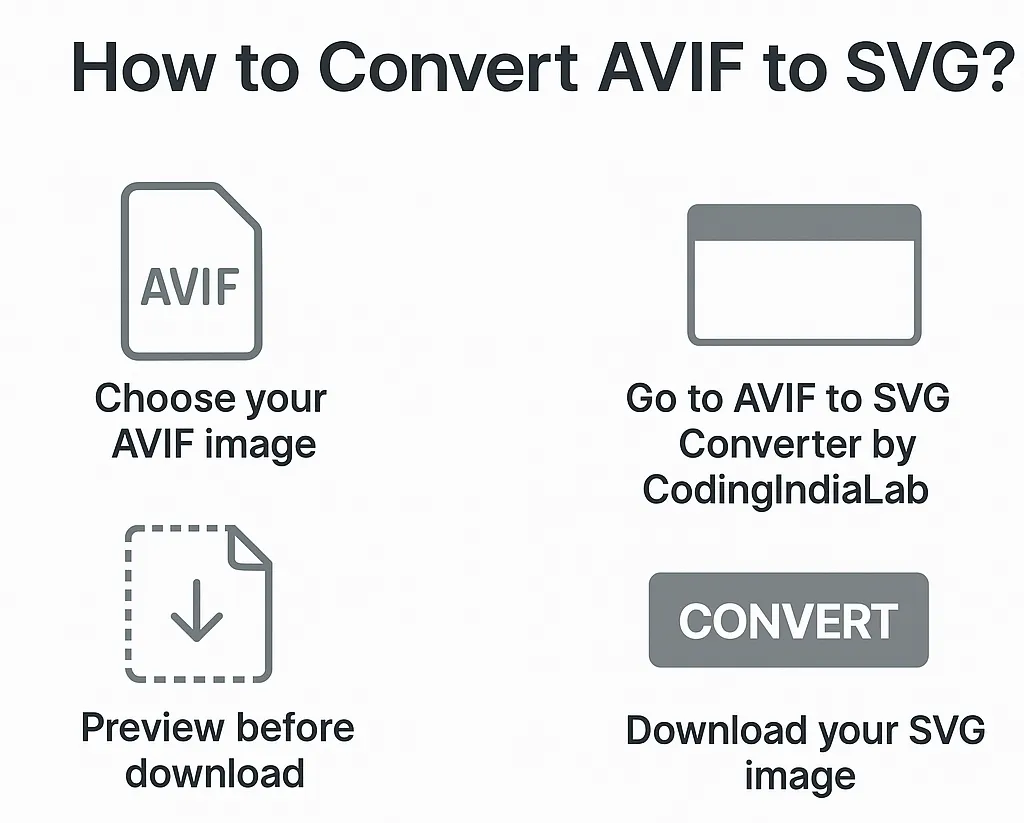
Below are the 4 steps to convert AVIF to SVG:
Here are some of the awesome features of this free image converter tool:
It takes only seconds to process and is done directly in your browser.
We would love to hear your feedback. Your review will help us continue improving.
Please Review Us
Yes, 100% free. No hidden fees and no limits.
No login or account required. You can start converting now.
To make SVG more traceable, unit of measurement conversion visualizes one image at a time. In the next update, all help will be hidden.
Images of simple arrangements, Son, Icon or sketches. No complex intra-complex images to SVG, otherwise high-detailing images.
Yes, it does. As the original AVIF has a transparent background, the final SVG will also have the same transparency, image enhancement issue.
Yes, exactly that. Your conversion will be browser based within the browser or else SSL Above the server. Your image will be repaired or sent and discarded after you convert it.
Free to use the restore file. You can use it, as long as you have the permission for the original AVIF file you are uploading.
Yes. The converter is simple and is available on mobile and tablets as well.

Your Rating : Good!