
Color Picker From Image Fast, Free & Unlimited
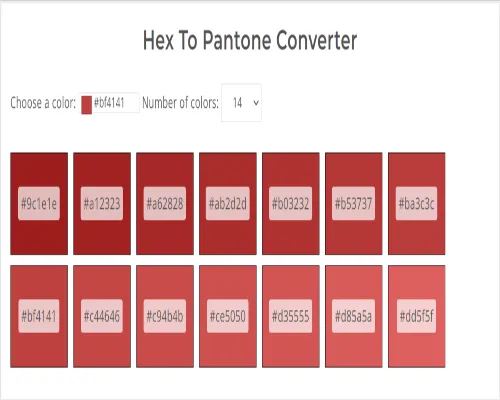
Hex To Pantone Converter Fast, Free & Unlimited
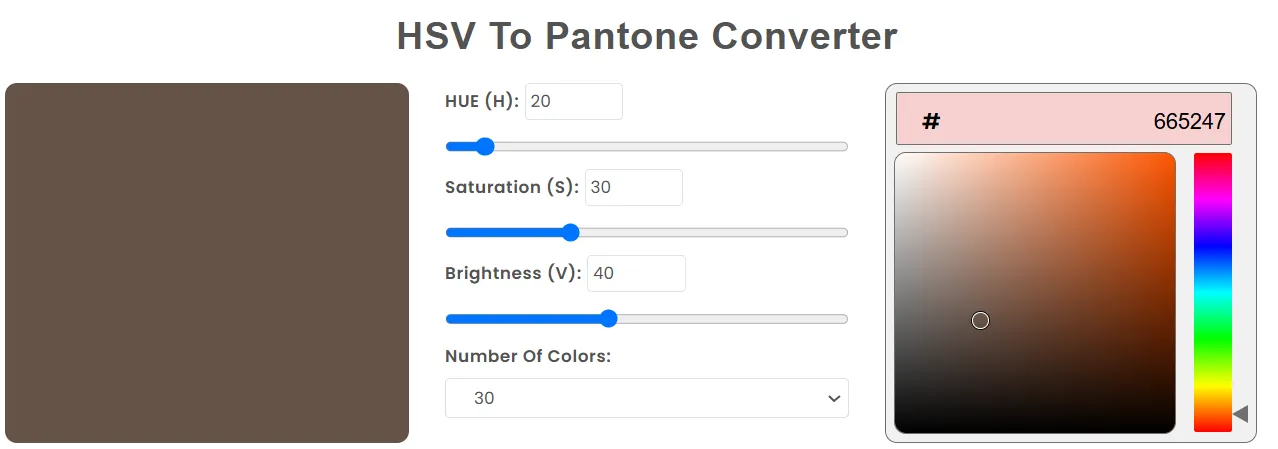
HSV To Pantone Converter Fast, Free & Unlimited
RGB To Pantone Converter Fast, Free & Unlimited
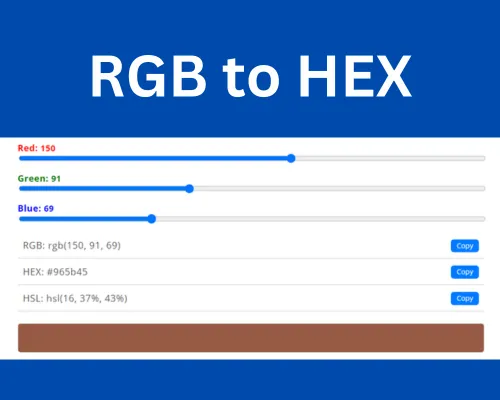
RGB to HEX Converter Fast, Free & Unlimited
CodingIndiaLab offers a range of free and easy-to-use color tools for inventors, innovators, and creative people. Color Picker from Image lets you upload any image and instantly find its exact color principles. With Hex to Pantone Converter, you can match web colors to professional Pantone tones. HSV to Pantone Converter and RGB to Pantone Converter make it easy to convert digital color formats to exact Pantone values. Additionally, the RGB to Hex Converter enables quick conversion between the two most common color formats. All tools are user-friendly, secure, and accessible online without requiring a sign-up.
Use the color selection from the image tool to select and remove colors directly from each image. This is perfect for interior architects, developers, and brand people who need to recreate the same colors from a photo, artwork, or screenshot.
Key Features:
This tool would be perfect for building a color palette, logo consistency, or to quickly sample eye inspiration without using complicated software.
Hex to Pantone Converter makes it easy to convert digital colors to excellent printing standards by converting hex codes to the nearest Pantone equivalent. This tool ensures consistency of colors on web pages and printed materials.
Key Features:
Great for interior designers and printers, who act as essential, precise, and reliable color generators on several platforms.
HSV to Pantone Converter lets you convert colors to Pantone color codes based on hue, saturation, and value. This is especially useful for enterprises where ocular accuracy is critical, both virtually and in print.
Key Features:
It's perfect for anyone using the HSV color model in design software and looking for the colors to be reproduced on Earth.
The RGB is needed to create a Pantone Converter that converts digital screen colors into Pantone's standard color layout, which is normally used in the printing industry.
Key Features:
Perfect for designers and marketers who need exact color matching for professional-grade print work.
The RGB to HEX Converter is a simple yet very powerful tool for developers and interior designers who wish to change RGB principles in HEX color codes applied in HTML, CSS, and Digital Interface.
Key Features:
Great to ensure color power in web development projects and simplify the workflow for design-to-code.
