Check for unclosed tags, duplicate IDs, and structural errors instantly.
Drag & Drop HTML file here
Supports .html, .htm files
HTML validation checks the HTML code of a web page against standards set by the World Wide Web Consortium (W3C). This ensures proper structure, best practices, and rendering across browsers and devices.
Validators scan an HTML document and highlight errors or warnings such as the following:
These may not all sound so serious, yet they can eventually become major problems related to the website’s behavior or appearance to users.

Different browsers render HTML code slightly differently. Valid, clean codes ensure that your website looks and works the same on Chrome, Firefox, Safari, and Edge.
A properly structured HTML document is easier to read and understand for all voice readers and assistive technologies. This is important for the use of your website by persons with disabilities.
It attaches great importance to clean, structured code. Therefore, validating your web page improves the readability for bots visiting your site and can benefit your site in terms of SEO rankings.
Validated code allows the problem to be found and resolved. When working with a broken layout or bad scripts, structural errors can be identified immediately.
Web standards are always evolving. When up-to-date validation standards are followed, it makes sites more compliant with future operational and functional standards.
Even experienced developers can overlook some basics from time to time. The HTML validator usually catches the following:
Coding India Lab offers its free HTML validator, which is easy to use and fast. Here’s why this tool will be great for coders of any level:
No subscription, no ads, no premium limits. Coding India Lab believes in open access to learning and creation.
Start validating your code right away; just paste it and click the button. No account required.
Do it instantly. Errors and warnings are detected, making the process easy to figure out.
This tool is simple, has simple instructions, and a simple UI that even beginners can understand.
Validate on the go from your smartphone or tablet. Coding India Lab promises that all of its tools work seamlessly on all devices.
Your code stays private. The validator works in a secure environment without any tracking or collection.
Using this tool is easy because:
We would love to hear your feedback. Your review will help us continue improving.
Please Review UsYour honest feedback helps us grow and improve our tools
Certainly, one of the most important things about HTML validation is that it ensures that web pages follow a certain standard set by the W3C (World Wide Web Consortium). Valid HTML also ensures smooth viewing in the browser, accessibility for users with disabilities, reduction of rendering errors, and a few other features. It also helps developers identify errors earlier, saving time in debugging, which ultimately provides a more uniform, professional experience across all devices and browsers.
HTML form validation checks whether the user enters data in the required format before submitting the form. It improves the user experience by providing immediate feedback and protects the integrity of the data by preventing incomplete or incorrect submissions to the server. HTML5 has native form validation mechanisms like required, pattern, and input types like email and number, so there is little need for JavaScript to be used by developers.
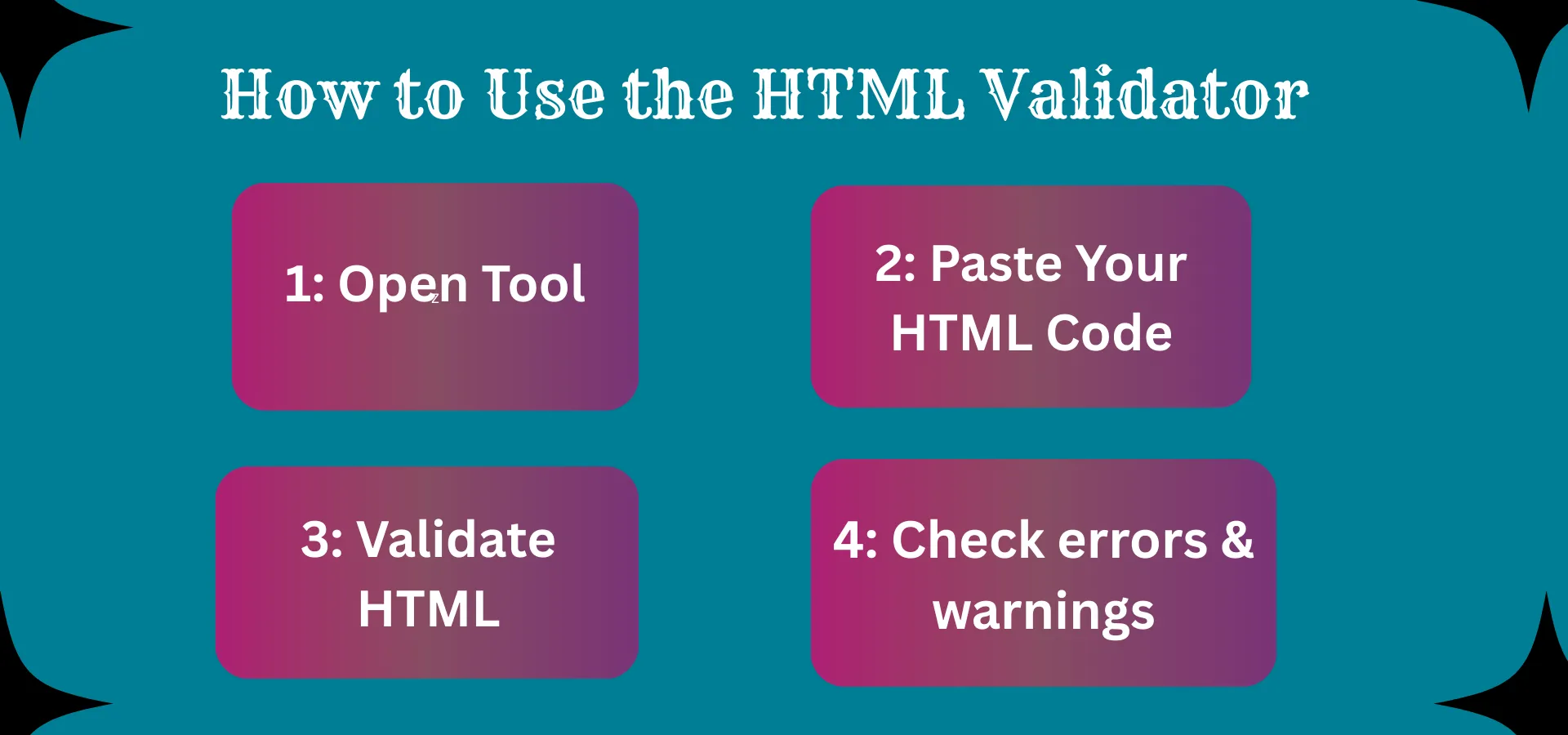
To validate HTML code, an HTML validation tool is used that cross-checks the code with all the currently applicable web standards. One such easy way is to use Coding India Lab's free HTML validator. Copy your HTML code into the tool, click Validate, and review the highlighted errors and warnings. The validator will point out unclosed tags, improper nesting, obsolete elements, and missing attributes.
This is important to prove that the page is set up correctly, and thus, different browsers will interpret it the same. Without validation, even small discrepancies in coded scripts can lead to misalignment, poor functionality, and inconsistent behavior from one platform to another. Also, make sure that the HTML is validated. This means that your website will be accessible to users and validated under SEO best practices.
