We understand the importance of using properly sized photos for other purposes as well, and we continue to use the internet, computer devices, and business enterprises. Resizing photos remains a challenge, especially when resizing multiple photos at the same time. That's why we created a simple, quick, and free tool to easily resize your photos online. Whether you're a professional, an interior designer, or a hobbyist of any kind, we set out to create a simple and fast process for you.
For many reasons, it is important to resize images. If you have always had problems with slow websites and therefore large image files, you can understand how big a difference an image size can make in the next version of the website. Faster loading times, better client experience, and higher SERP rankings. Resize images according to computer forums or file size needs, while also saving you the trouble of resizing the image manually.
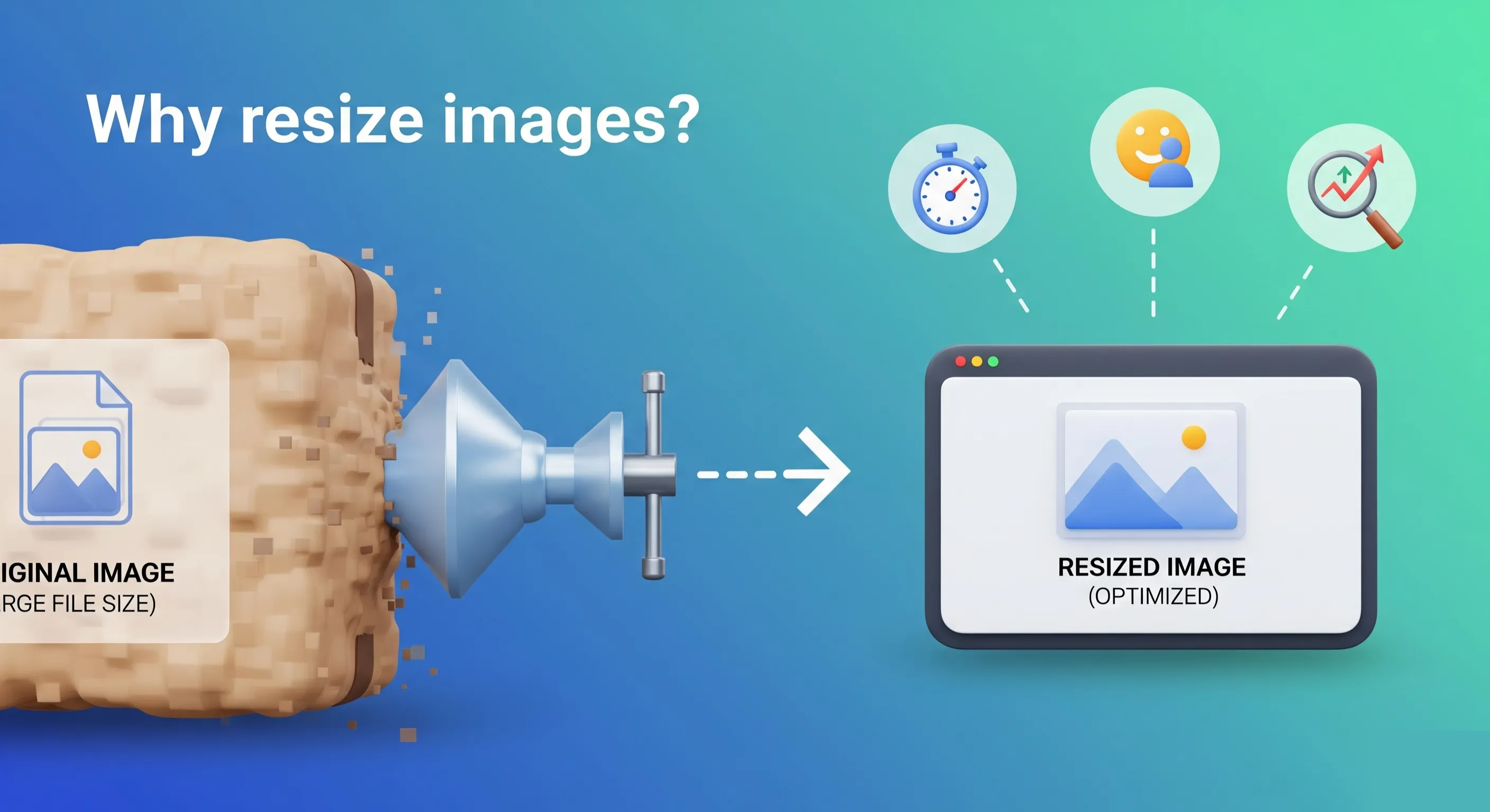
Our tool will help you resize the image correctly so that it is more suitable for every platform than any other software. From informal web infrastructure reports to sophisticated web design, or maybe an online shopping portal, almost everyone will have a project to use.
Below are the features of the Image Resize Tool:
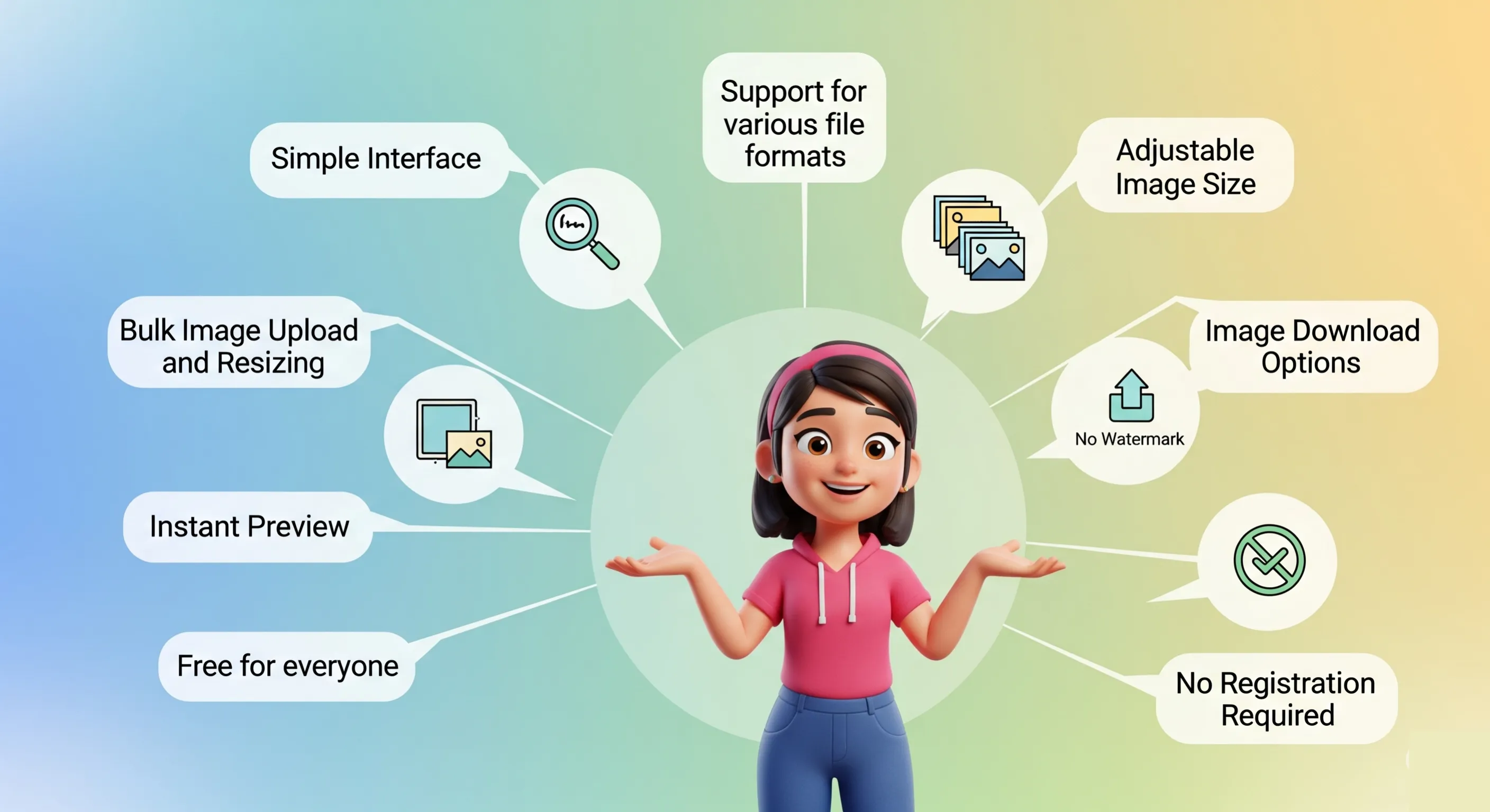
We continue to be guided by the simplicity of mind. You will not be confused by masca volitans, no training process, just drag and drop your photo, choose your preferred size, and you will look great while on the go. We want you to spend less time resizing photos and more time doing what you are best at.
Our photo resize mainly supports file types, including JPEG, PNG, GIF, and others. Our compatibility software you can use to resize any photo, no matter what your presentation is.
While the height and width options are available, you are free to decide how your image will be resized. You can enter the exact size you prefer, whether it is a title image, a post on a website, or a business photograph. It is entirely your decision to make it so!
You can preview the resized image before downloading it. This feature ensures that the final item is completely dedicated to the person you can trust to take it off the device. Our preview function saves you from mistakes and automatically gives you a perfect, perfect image.
Multiple resizing and uploading is a specialty and hallmark of our project. Instead of resizing each movie for almost an hour, you can save yourself a little time by selecting an infinite number of files in a single system. Our project has many uploads, so batch resizing has become easier and faster.
Now you can re-download the image after resizing. If you have a different image that has been resized or added to the original image, downloading is faster and easier. The human file, or any photo in the zip file, can continue to download even after the download has finished, without interruption during the download of individual files.
Unlike most free web software, our image resize tool makes it impossible to see the waterline on your photo. This prevents your photo from being pure and meaningful, without unnecessary branding, and therefore perfect for business or other uses.
It is a specialty of our tool that it is completely free. We are committed to creating high-quality content that can be used by anyone, whether you are a freelancer, a small business owner, or a student who finds themselves near the CodingIndia lab. You do not need to pay for software or any other subscription to spend money on your favorite software or subscription. Use our tool to simply resize photos without any additional cost.
You cannot use the tool to analyze documents without requiring anyone to sign up or subscribe to use the tool. Visit the website, hide your photo, resize it, and download the product. This technique can be applied easily and quickly whenever you need it.
Our image resize tool is very easy to use, 1-2-3! Follow the instructions below that show you how to use it:
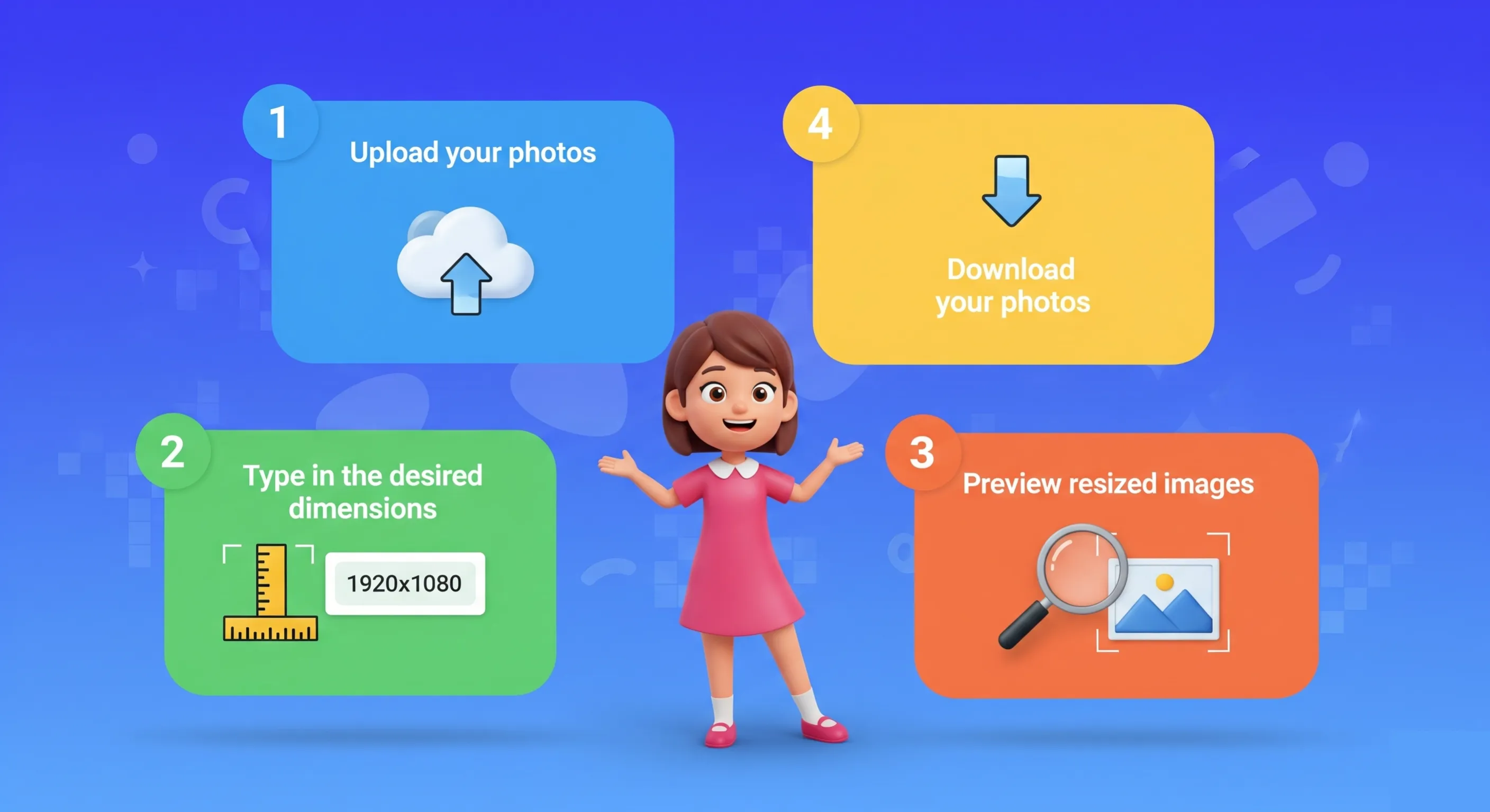
Click Upload to select the photo you want to resize. Alternatively, you can drag and drop photos from the application. Uploads are fast, even for multiple photos, so you don't have to wait for them.
Then, when you upload your photos, you can enter the new height and width for each photo. You have a detailed rule that goes beyond the shrinking process. If you create a smaller photo for the web or a larger photo for printing, our weapon Lashkar-e-Taiba will block you from entering the desired size.
Once you provide your dimensions, the software will automatically resize your photos and send you a preview. Come out and see if everything looks okay. Once you are satisfied with the final product, proceed to the next step.
When you are satisfied with the resized images, simply click on the download icon. You can download the images individually or all your resized photos in a zip format. Easy and simple!
If you resize your artwork manually using programs like Photoshop or GIMP, you may run out of space, especially when resizing hundreds of images. Our tools simplify the entire process and save you time and effort.
Slowing down and speeding up is not something you have to worry about in traffic circles. The machine will be ready to use at high speed, so you can resize images quickly.
By reducing visuals, you can create a faster website and improve the customer experience. Also, a reduced image file size uses less bandwidth, which can reduce hosting costs and make your site more efficient.
Image size may need to be maintained when uploading images to social networking sites. Our software resizes photos so that they match the recommended size for all web pages, so your text looks perfect.
It doesn't matter if you need images for your web pages, online stores, portfolios, or any other virtual neighborhood; image resize software can handle any kind of job. It's perfect for unlimited uses, too, thanks to its ability to resize photos in all dimensions.
We would love to hear your feedback. Your review will help us continue improving.
Please Review Us
By using our image resizer tool you can dissect all your images, it is absolutely free and you can do it as much as you want.
There is no cost, it is completely free.
We support all image types.

Your Rating : Good!