Drop your JPEG images here
or click to browse files
Upload up to 50 images at once
The JPEG to WEBP converter tool is an easy and efficient way to convert image files from JPEG format to WEBP format. JPEG has long been a common image format, but as the demand for faster websites and smaller file sizes grew around the world, WEBP became one of the most used formats on the Internet. It offers better compression, meaning your images look good while using less bandwidth and storage. A converter tool makes this task easier, allowing you to upload your JPEG images and re-download them in WEBP format in just a few seconds. This tool is for everyone, whether they are ordinary users or web developers, designers, and entrepreneurs who want their websites to load faster and perform better.
The main advantage of using a JPEG to WEBP converter is efficiency. WEBP photos can be much lighter in size than JPEGs and retain good quality. Lighter images translate into faster load times for websites, and that also improves user experience and search engine optimization. If your website loads quickly, users will stay longer and engage with your content. Plus, WEBP supports both lossy and lossless compression, so it's versatile depending on the need. Whether you're uploading product images, blog graphics, or social media photos, rendering them in WEBP format can save time, space, and money.
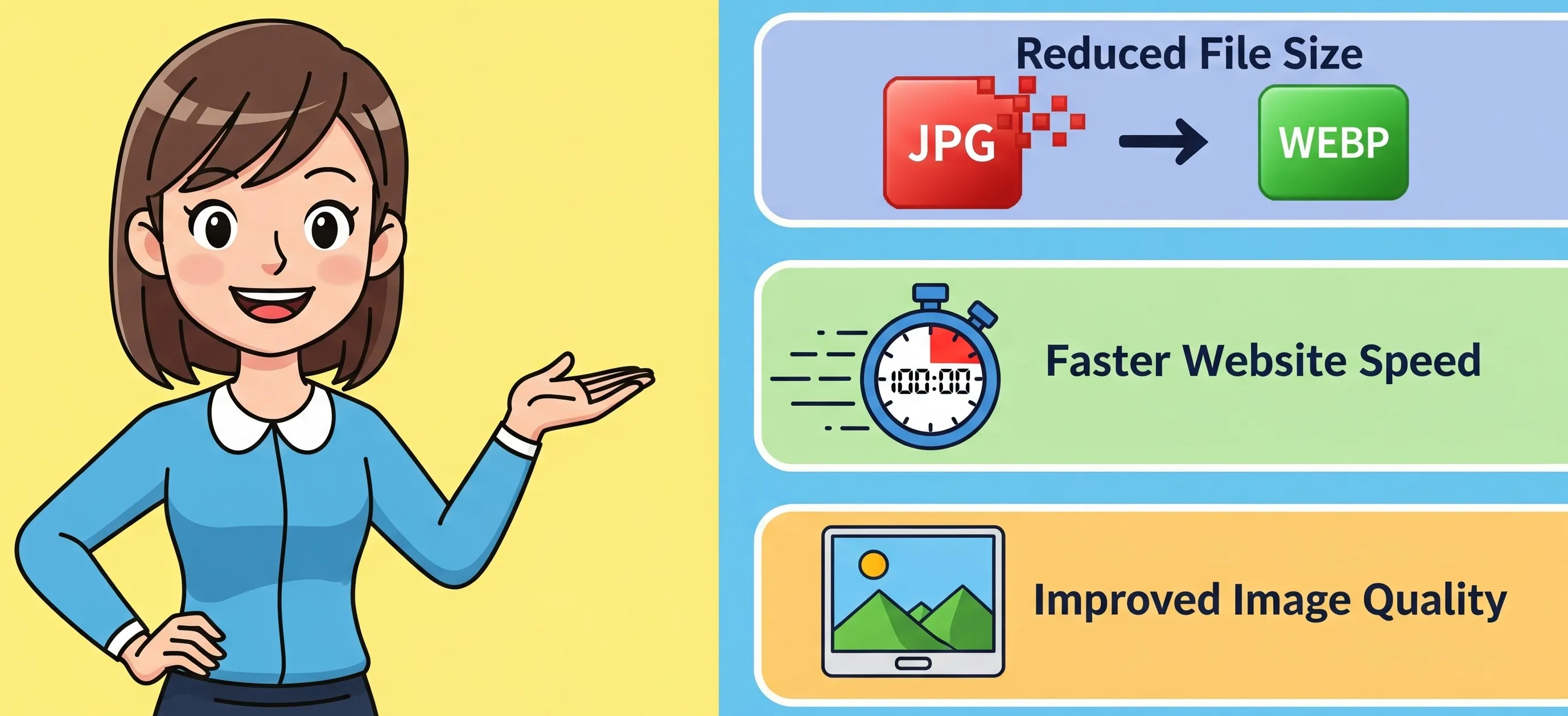
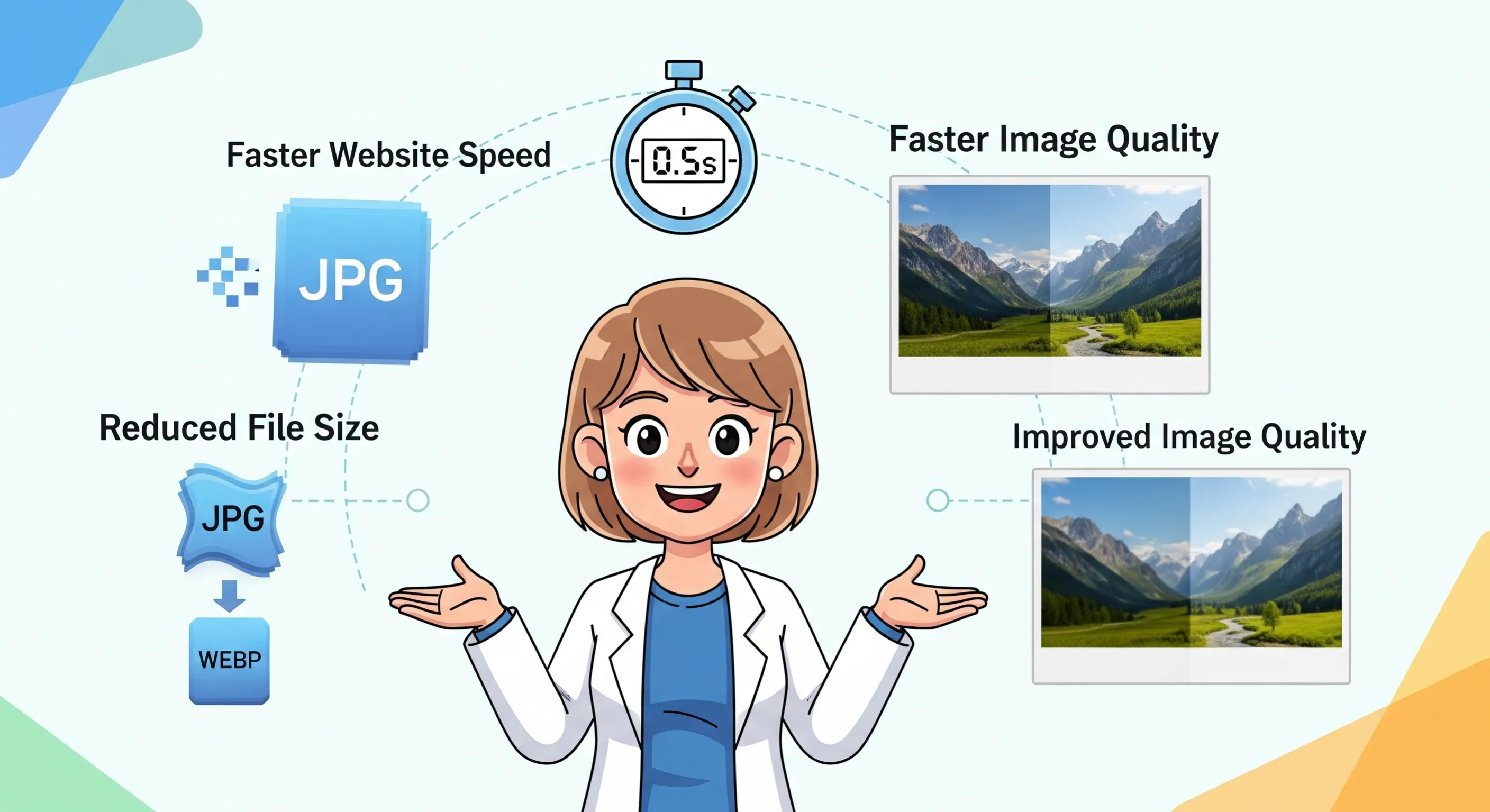
The importance of JPEG to WEBP Converter is that it meets contemporary web performance requirements. Google and search engines currently prefer sites that load fast, and image optimization plays a key role in that. Since images usually take up a large portion of website data, compressing them into something as lightweight as WEBP can really improve site speed. E-commerce sites, portfolio websites, and even blogs with a lot of images can greatly benefit from this tool. It also helps companies save on hosting fees, as smaller sizes take up less bandwidth. In other words, a JPEG to WEBP converter is not just about saving space, but also about optimizing your online presence for better efficiency, user-friendliness, and competitiveness.
This tool has batch processing capabilities, allowing you to convert multiple JPEG files to WEBP format at once. It is ideal for those who have a large number of image collections, saving both time and effort.
One of the biggest advantages of the JPEG to WEBP Converter is that it is free. You don’t need to buy any expensive software or subscribe to any plan. Just upload your images and convert them instantly without any additional charges.
Security is a major concern when uploading files online. A good converter tool ensures that your photos remain safe during the process. Files are usually processed instantly and are not stored permanently, giving users peace of mind.
Most tools ask you to sign up before working with them, but this converter works instantly. You don’t need to register, log in, or enter personal details. Just upload your files, convert them, and download without wasting time.
Another useful feature is the option to set custom dimensions for your photos. This allows you to resize your JPEG files when converting them to WEBP. Whether you want smaller photos for the web or larger ones for printing, this application lets you set the width and height according to your needs.
WEBP format offers both lossless and lossy compression, which means you can reduce the file size without compromising high image quality. In comparison to JPEG, WEBP files are almost 25-34% smaller, making them ideal for web use.
A smaller picture size results in faster page load times and increases steps for client engagement, decreasing bounce rates. Websites which make use of optimized images have rank higher on Google owing to much better execution scores.
Unlike JPEG, which does not support transparency, WEBP supports alpha channel transparency (like PNG). In addition, WEBP also supports animations, making it an excellent alternative to GIFs.
Since page speed is a ranking factor in Google's algorithm, using WEBP images pushes a step forward for SEO. A faster loading site results in far better customer interaction and increased conversions.
Step 1: Upload Images Begin by dragging and dropping JPEG files into the tool directly or selecting from your local directory. The interface also supports multiple uploads so that you can convert lots of files at once.
Step 2: Customize Image Dimensions (Optional) In case you want to modify image sizes, enter width and height specifications for output WEBP documents. Thus, images will comply with particular design standards or platform regulations.
Step 3: Preview the Images When you have uploaded your pictures, you should make use of the preview mode to assess what has been selected before any conversion takes place. Make sure that what is required regarding quality, resolution and size is achieved.
Step 4: Convert and Download When you are satisfied with the settings, convert the images. After conversion, a download option will be provided for each of the converted files by the tool. Depending on your needs, you can either download them one at a time or save them all together.
| Feature | JPEG | WEBP |
|---|---|---|
| Compression | Lossy only | Lossy & Lossless |
| File Size | Larger | 25-34% Smaller |
| Transparency | No | Yes |
| Animation | No | Yes |
| Browser Support | Widely Supported | Supported by modern browsers |
| SEO Benefit | Moderate | High |
If you want a faster website, better image quality, and advanced SEO, switching from JPEG to WEBP is the way forward.
1. Speed and performance optimization: WEBP images help reduce load times and make websites responsive and faster. This is especially important for people who use mobile devices with slow internet connections. Websites that load faster have better SEO rankings because search engines rank sites based on their overall performance optimization.
2. Bandwidth and storage space savings: WEBP files are smaller in size, consume less bandwidth, and take up less disk space. Whether you are using a hosting platform with limited bandwidth or cloud storage management, WEBP promotes efficient resource usage.
3. Better image control: Online conversion of JPEG to WEBP not only optimizes your images but also ensures that you are using a modern file format that is increasingly supported by web browsers and platforms. This ensures that your image library remains relevant for the future and you don’t have to worry about processing files later.
4. Sustainability: Websites that load fast consume less energy, so they are considered eco-friendly websites. In the long run, by reducing information transport, you are contributing towards a sustainable internet.
5. Improve user experience: Studies have shown that users will stay on a web page if it loads quickly and gives them a seamless experience while browsing. This can be achieved by using the WEBP format, which results in smaller image sizes, fewer people leaving the page before it loads (bounce rate), and an increased level of satisfaction from these users.
We would love to hear your feedback. Your review will help us continue improving.
Please Review Us
Yes, Use our tool, You can easily to convert all images to WebP.
You can easily convert webp without losing quality using our tool.
No, You can use our tool to convert images into webp without reducing image size.
Webp is very fast to load on the web application compared to other images.

Your Rating : Good!