Drag & Drop images here or click to select
JPG to PDF Converter is a simple but extremely useful simulated tool that allows users to convert JPG or JPEG images to PDF format. Instead of keeping different image files separately, you can combine them into a single PDF for better organization, easier sharing and more effective presentation. Students, professionals, interior designers and general users who need to quickly convert an image can convert it into a secure and shareable file layout. You can upload a picture, edit it if needed and then download the PDF in just a few clicks.
JPG to PDF Converter is a must for combined private and skilled work. Photos in JPG format are convenient, although sometimes they are difficult to control, especially when there are many files. For presentations, send scanned documents, assignments or bills; Otherwise, the collection in a separate image file may look chaotic. Converting them into a single PDF makes management easier and simpler.
Compatibility is another important feature of modern devices. PDFs are universally accepted for all devices, stages, and operating systems. Unlike photographs, which may lose their excellence over time, PDFs are always happy and protect it. Authorized documents, organizational presentations, or any information institution is always better to be formatted in PDF format. This implies that nowadays, JPG has become an indispensable solution for many citizens in terms of converting to PDF.
Below are all the steps:
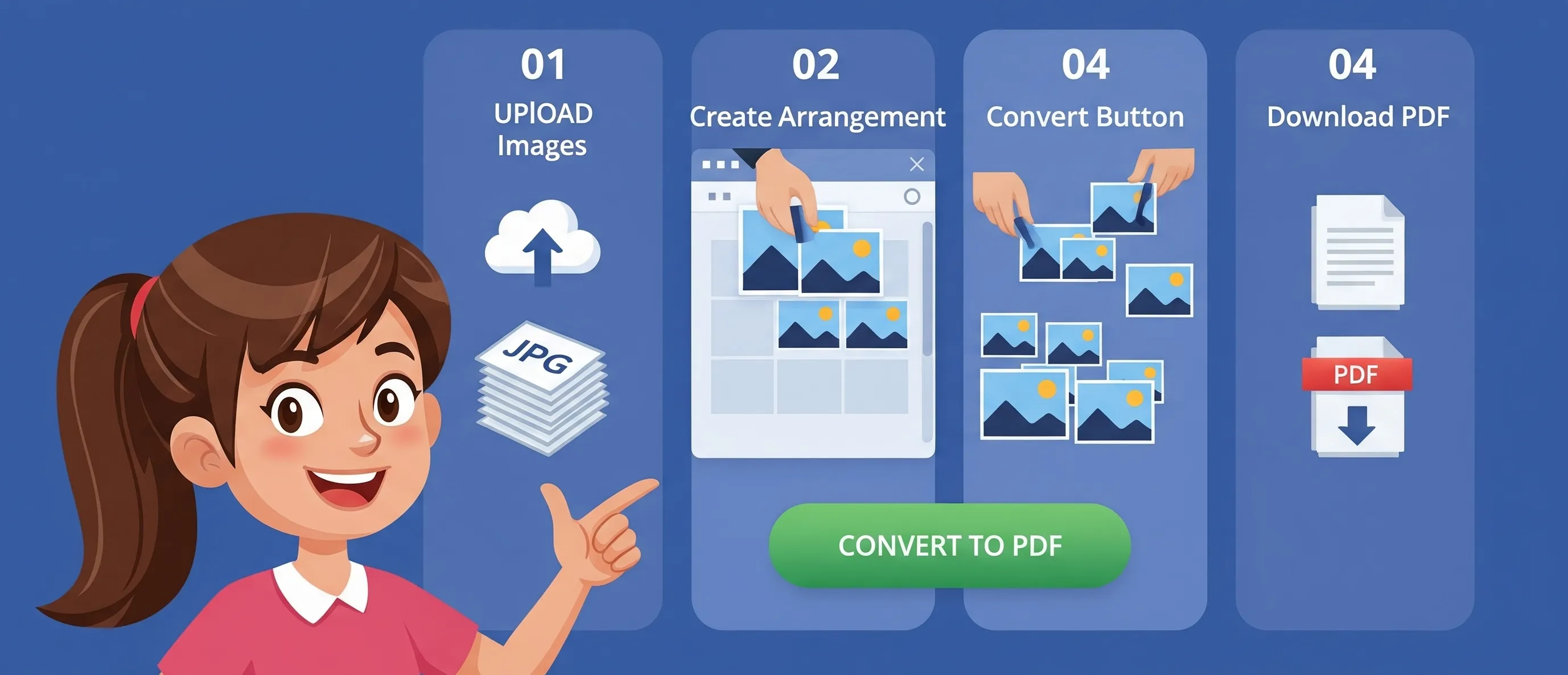
It does not require any technical ability; anyone can use it easily. It can be done successfully only if it is a single photo, or multiple photos.
We would love to hear your feedback. Your review will help us continue improving.
Please Review Us
No, the current tool only accepts .jpg or .jpeg files. If you try to upload unsupported formats like .png or .gif, you will receive an alert message. This restriction ensures better performance and consistency of output.
Your data is 100% secure. This tool works entirely using JavaScript in your browser. No files are sent to each waiter; no information is stored or shared. All data will be transmitted as soon as you close the browser.
The 10 second countdown ensures that the PDF conversion process is complete and gives you a visual experience. It is also helpful for slower computers to show that the download is working properly.
Yes, by dragging and dropping, this tool allows occupying the entire screen of images. You can reorder the images in the preview grid, and the final PDF file will recognize this exact order.

Your Rating : Good!